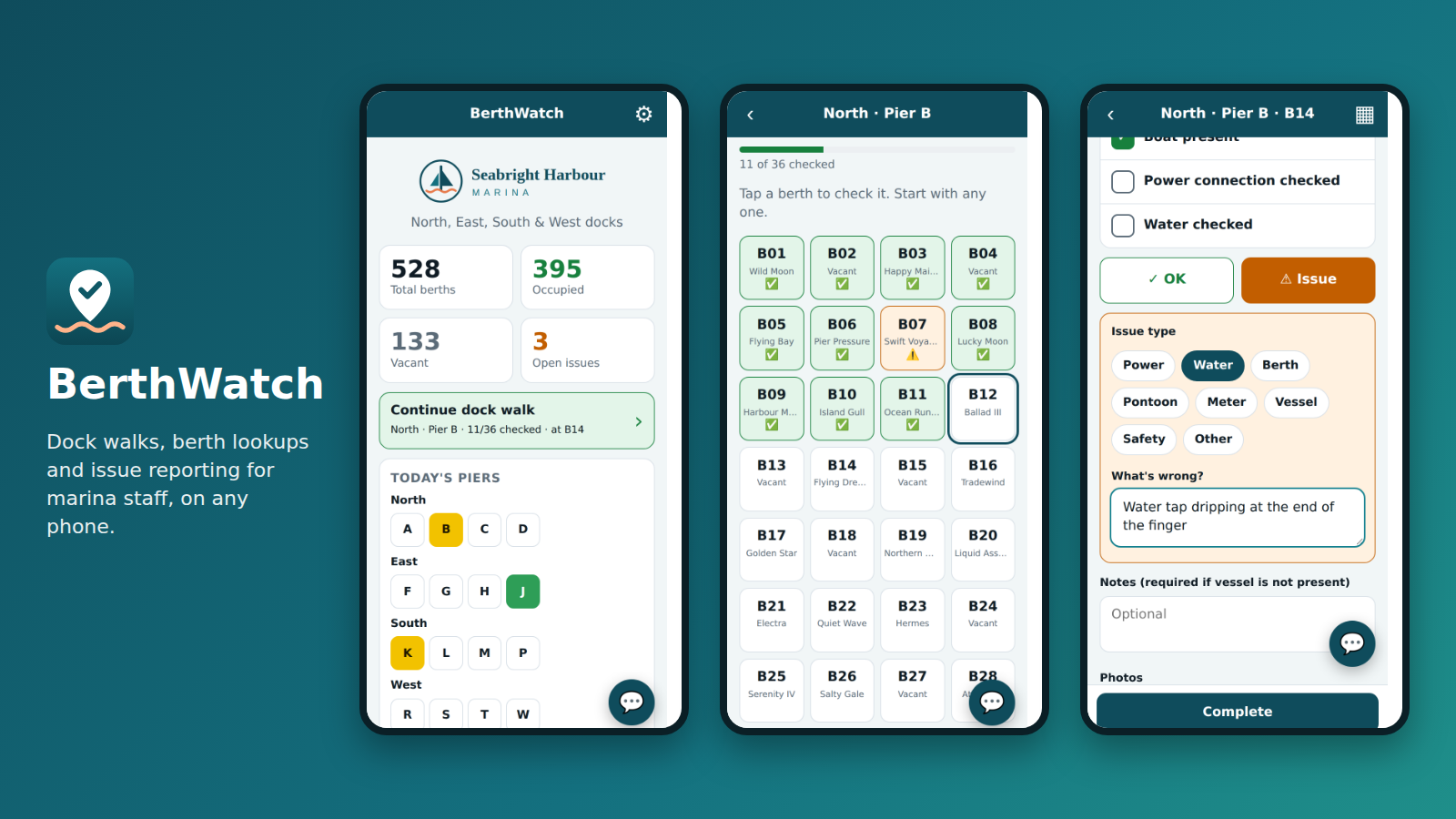
How a dock walk works
Built around the way dockmasters already walk the marina, berth by berth.
- Pick a pierIts berths appear as tiles in walking order, with each boat's name.
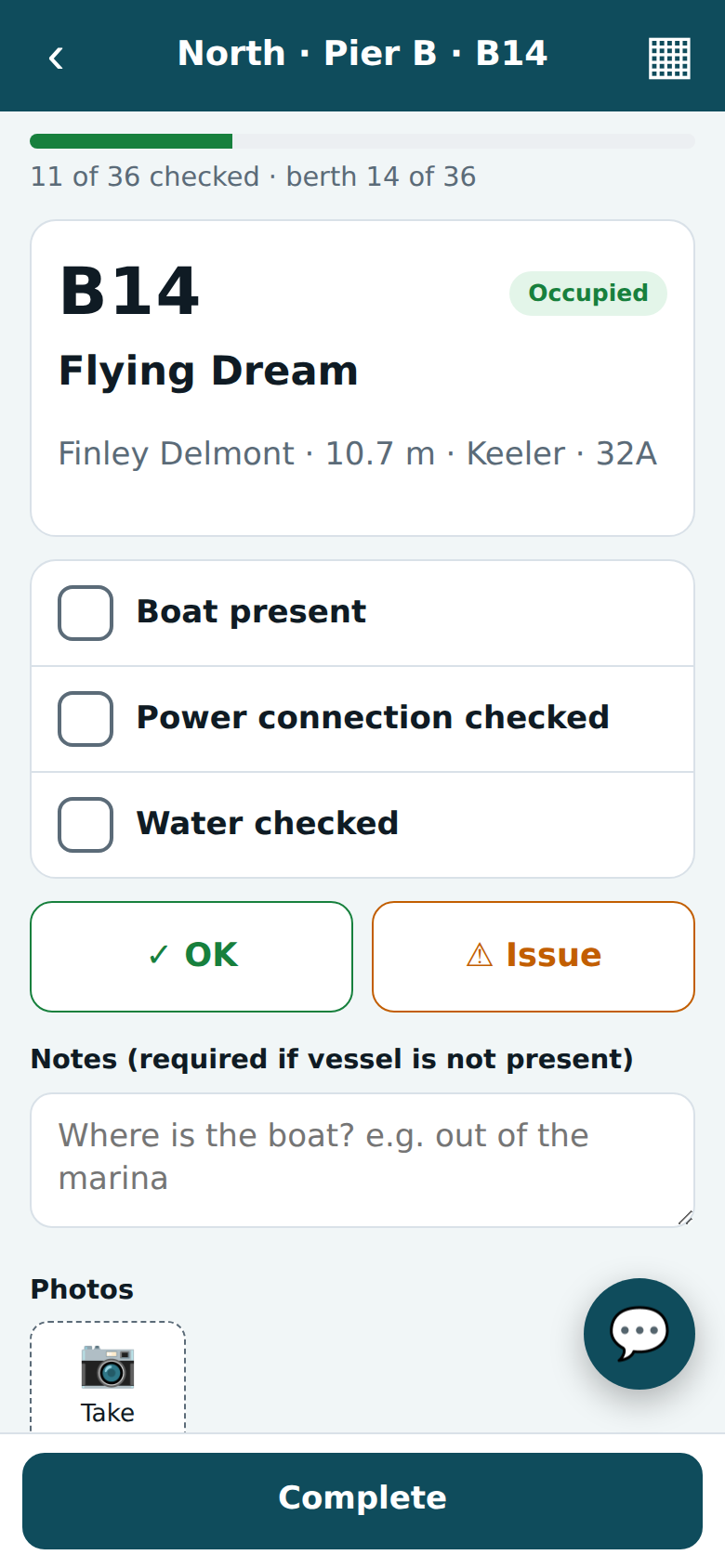
- Check each berthBoat present, power, water: tick, then mark it OK or Issue.
- Log what's wrongChoose the issue type, add a note and take a photo on the spot.
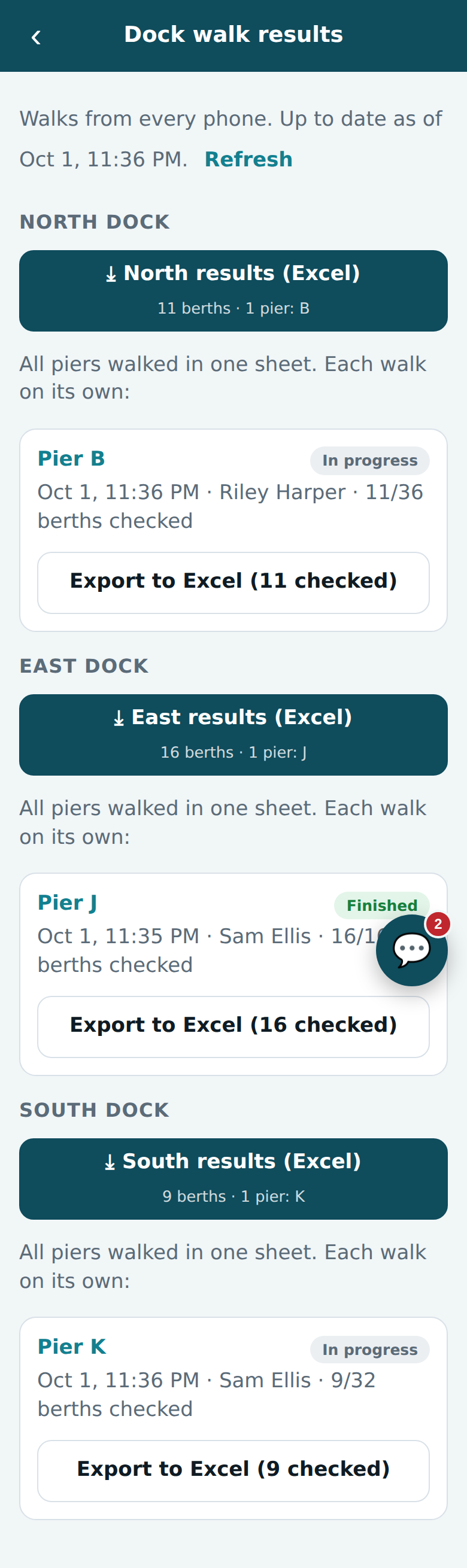
- Office gets the resultsDownload the walk as Excel, laid out like your paper sheet.
Everything the dock team needs
One app for the people on the pontoon and the people in the office.
Works with no signal
Everything saves on the phone first and syncs when the signal comes back. No lost checks at the end of the breakwater.
One walker per pier
A pier being walked on another phone is locked, so two people never check the same berths.
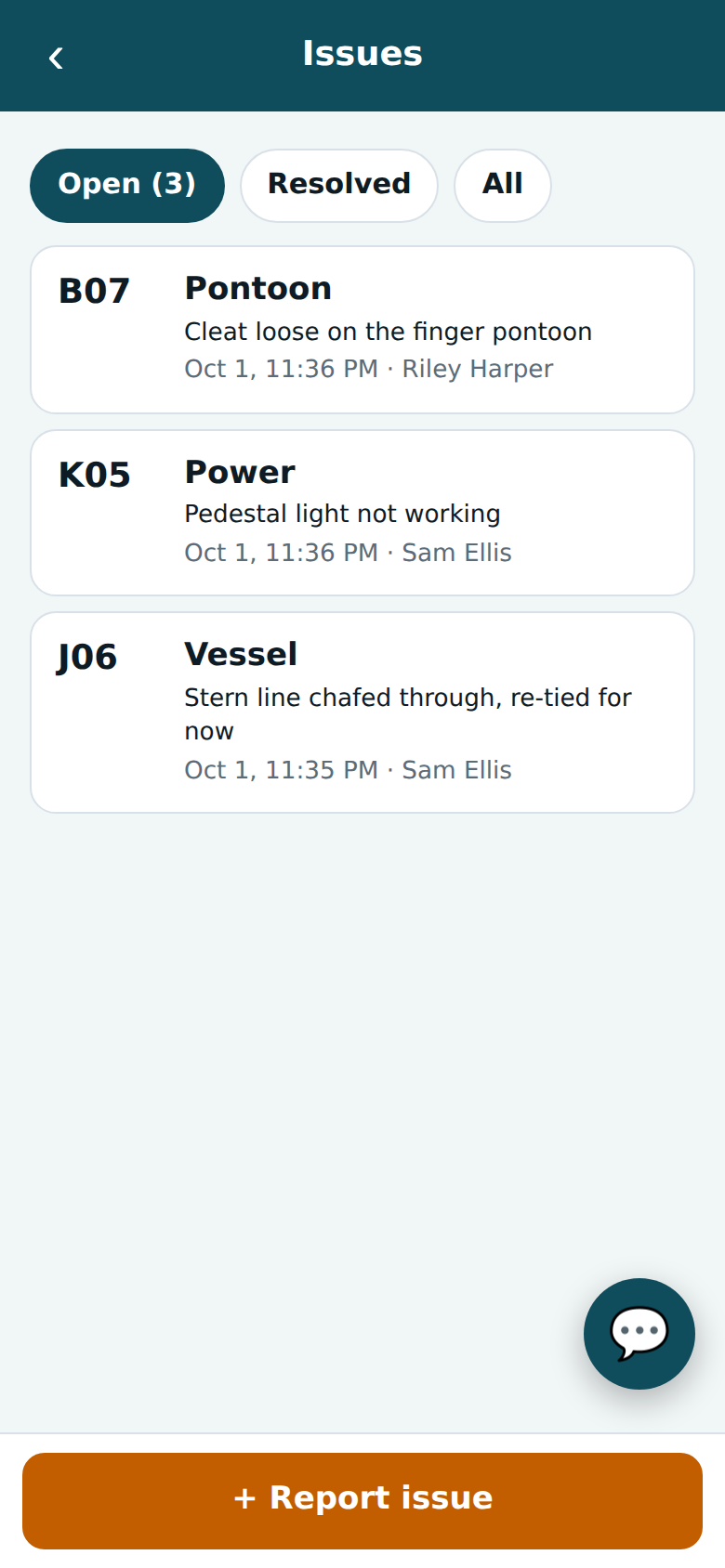
Issues with photos
Power, water, pontoon, safety and more, with who found it and when. Resolve and reopen as work gets done.
Excel results
Each dock's walk comes back in the same sheet you uploaded, filled in with ticks, crosses and notes.
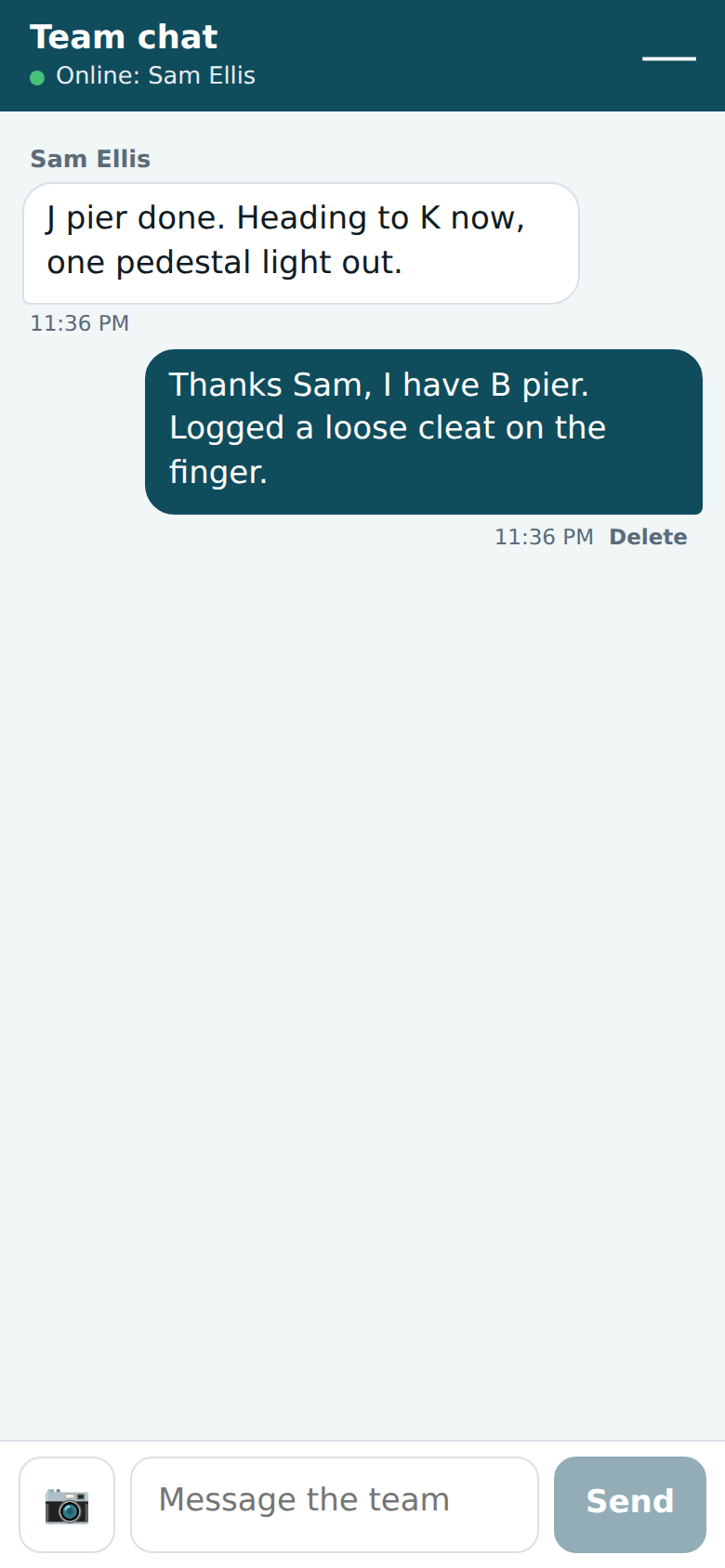
Team chat
One live conversation for everyone on shift, with photos. "Can someone bring a spare lead to C12?"
Your marina, your look
Your logo, name and colours, your docks and piers. Upload your berth list from Excel and you're ready.
Made for the phone in your pocket
Big buttons, clear colours, and readable in sunshine.
Plans for every size of marina
Every plan has every feature. Pick the one that fits your berths and team.
Every marina starts with a free trial. After the trial or if a payment is missed, nothing is deleted: the app becomes read-only until it's renewed.
Already with BerthWatch?
Each marina has its own address. Enter yours to log in.
Try it on your own docks
Tell us about your marina. We'll set up your address and logins, and you can walk your first pier the same day.